Lead capture and CRM
Every form, call and email lands in one place with an owner and a next step.
- HubSpot, Pipedrive or a simple CRM
- Instant lead alerts
- Automatic follow-up emails and texts

Systems that capture every lead, send the follow-ups and keep orders, jobs and invoices moving, so you spend less time on admin.
Growth creates admin. More enquiries mean more follow-ups, more quotes, more bookings and more invoices. Without the right systems, leads slip through the cracks and evenings disappear into copy and paste.
Our business automation service in Calgary connects the tools you already use, adds the few that are missing, and automates the repetitive steps in between. The result is a simple system your team can run, not another app nobody opens.

Every form, call and email lands in one place with an owner and a next step.
Customers book online, calendars stay in sync and reminders go out automatically.
From quote to paid invoice without retyping anything.
For online stores: stock, fulfilment and shipping stay in sync across channels.
A review request and check-in after every job or order, sent automatically.
Dashboards for the numbers you care about and simple written procedures for your team.
The best system is the one your team actually uses. We start by mapping how work flows through your business today, find the steps that cause delays or mistakes, and fix those first. Often a few well-placed automations save more time than a new platform.
Your staff are part of the system, so we involve them from the start. Read why your employees are part of your success. And because fast follow-up wins work, connect automation to your website and marketing so no lead waits.
Common ones include HubSpot, Pipedrive, Zapier, Make, Calendly, Google Workspace, QuickBooks, Stripe, Shopify, Square, ShipStation and Airtable. We recommend tools based on your needs and budget.
Usually not. Most of the time we connect what you already use and fill one or two gaps.
Projects are quoted after a short workflow mapping session. Small automations can be a few hours of work. Full CRM and operations setups are larger projects with a fixed price.
We build in alerts so failures are noticed quickly, document how everything works, and offer ongoing support plans.
How leads, bookings and orders flow from first contact to finished job or delivered order, and the kinds of tools we connect along the way.

Forms, calls and emails routed to one place, so no lead is missed.


Online booking that syncs with your calendar and sends reminders.


Online and in-person orders captured with payment and customer details.
 Pipedrive
Every customer, quote and conversation in one place.


Hand-offs between apps happen automatically, with no copy and paste.


Instant notifications for new leads, orders and low stock.
 ShipStation
Stock levels, shipping labels and tracking updates kept in sync.


Quotes, invoices and payments without the paperwork.


Automatic review requests and follow-ups after every job or order.
Service business or online store, we'll map your current setup and recommend the simplest system that fits.
| Term | What it means | Why it matters |
|---|---|---|
| CRM Customer relationship management | A central record of every customer, enquiry and conversation | Nothing falls through the cracks, and anyone on your team can pick up where someone left off |
| Pipeline | The stages a lead moves through, from first enquiry to paying customer | Shows where deals stall so you can follow up at the right time |
| Workflow automation | Rules that handle repetitive tasks for you, like sending confirmations or creating invoices | Saves hours every week and cuts manual errors |
| Integration | A connection that lets two apps share data automatically | Keeps your store, CRM and accounting in sync without double entry |
| Fulfilment | Everything from receiving an order to delivering it: picking, packing and shipping | Fast, accurate delivery earns repeat customers and good reviews |
| SOP Standard operating procedure | A simple written checklist for how a task gets done | Lets you hand work to staff with confidence and keeps quality consistent |
Booking in a few clicks, with pages for 21 communities
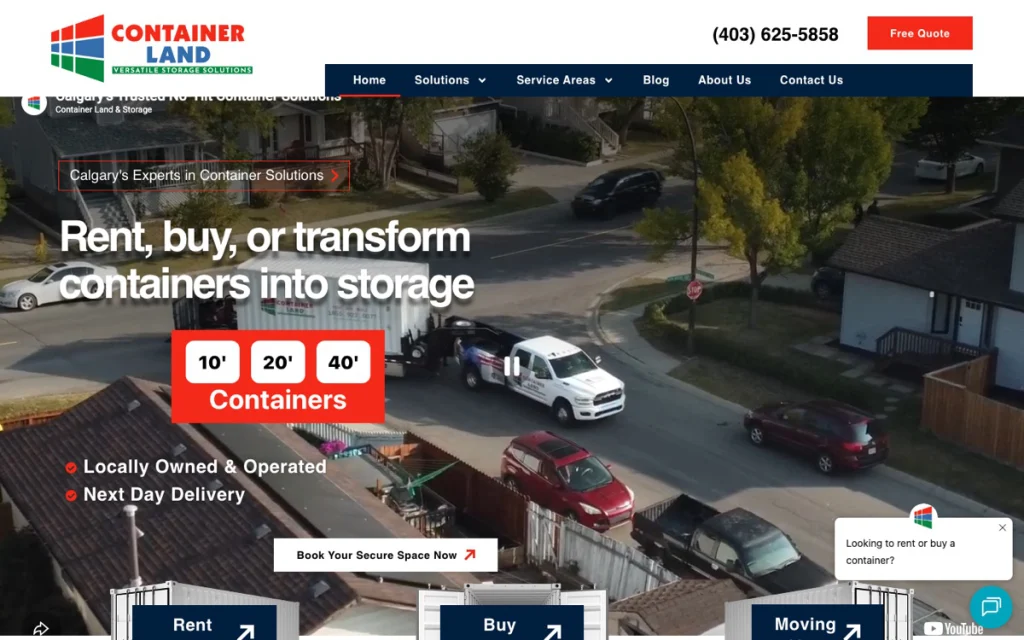
Container rental, sales and storage with next-day delivery, built to turn visitors into rental and purchase enquiries.
View project →: Container LandFree-quote buttons and city pages for three markets
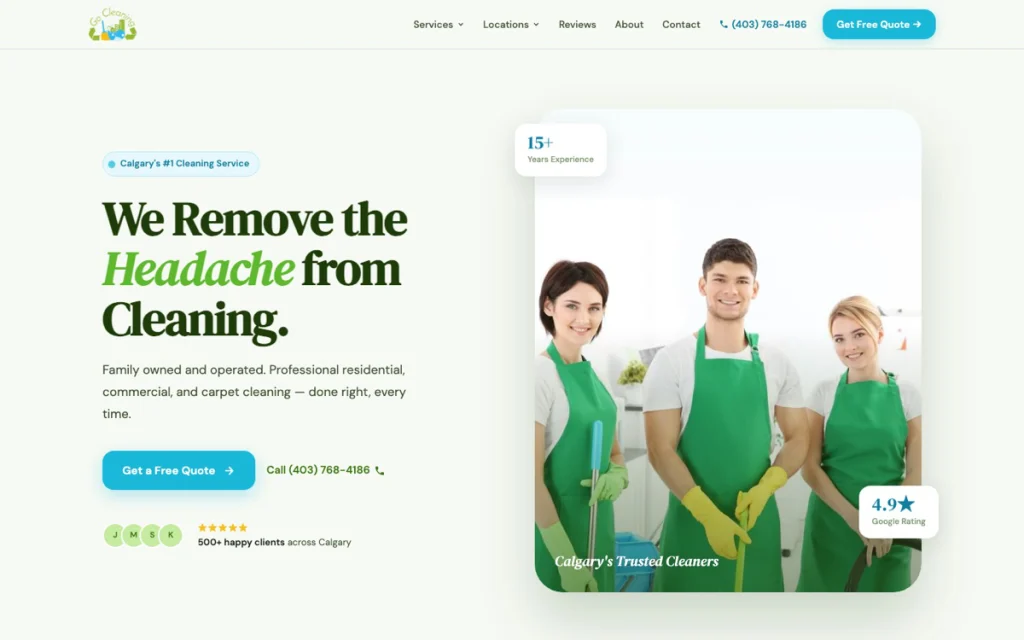
Family-owned residential, commercial and carpet cleaning, with free-quote calls to action throughout.
View project →: Go CleaningA Shopify catalogue with quote requests instead of checkout
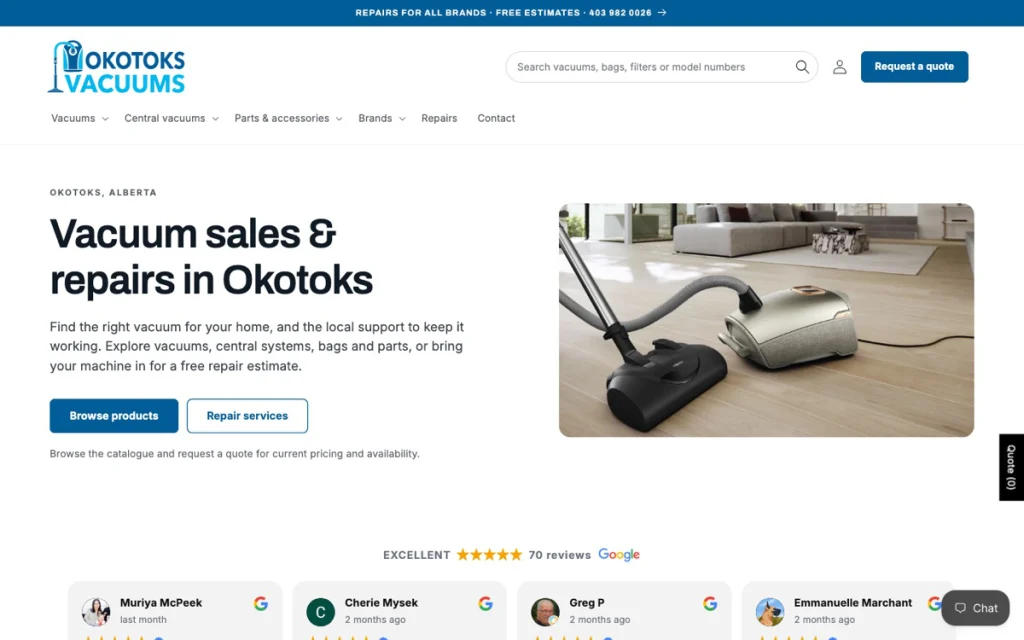
A Shopify catalogue for vacuum sales, parts and repairs, with quote requests and Google reviews.
View project →: Okotoks VacuumsTell us which tasks eat your time. We will map your current setup and suggest the simplest system that fixes it.
Discuss Your ProjectWe reply within 4 hours during business hours. The first conversation is free, with no obligation.